Visual Save States
Save a moment and find it again with screenshot previews and timestamps. Four manual slots are available free; Premium unlocks all eight.
HANDHELD EMULATION. REFINED.
A considered home for your GB, GBC, and GBA collection. Save your place, find your setup, and make every session your own.
A handheld emulator for iPhone, iPad & Android.
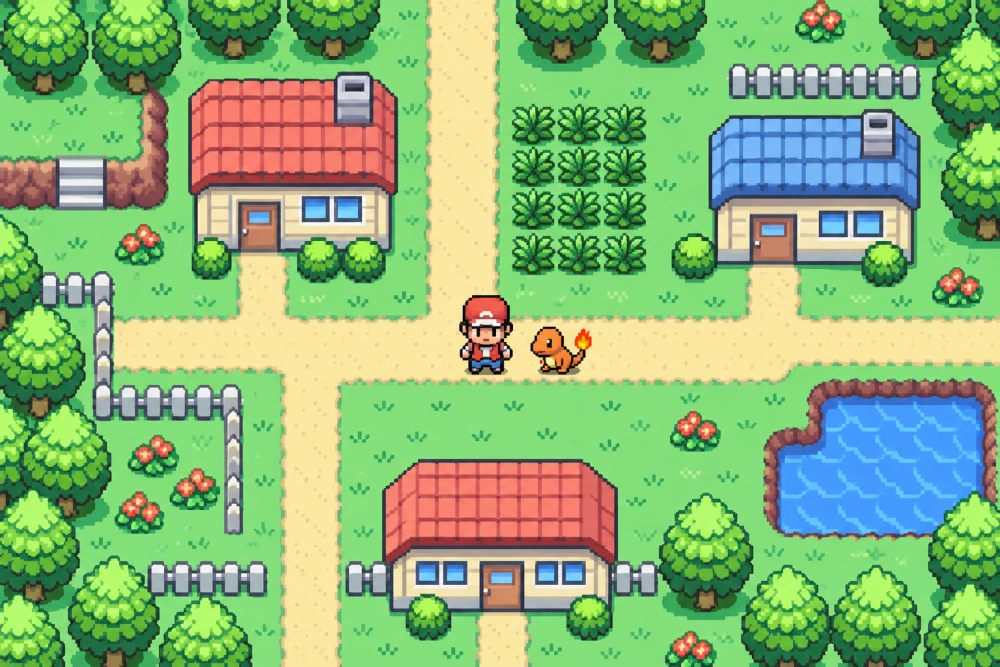
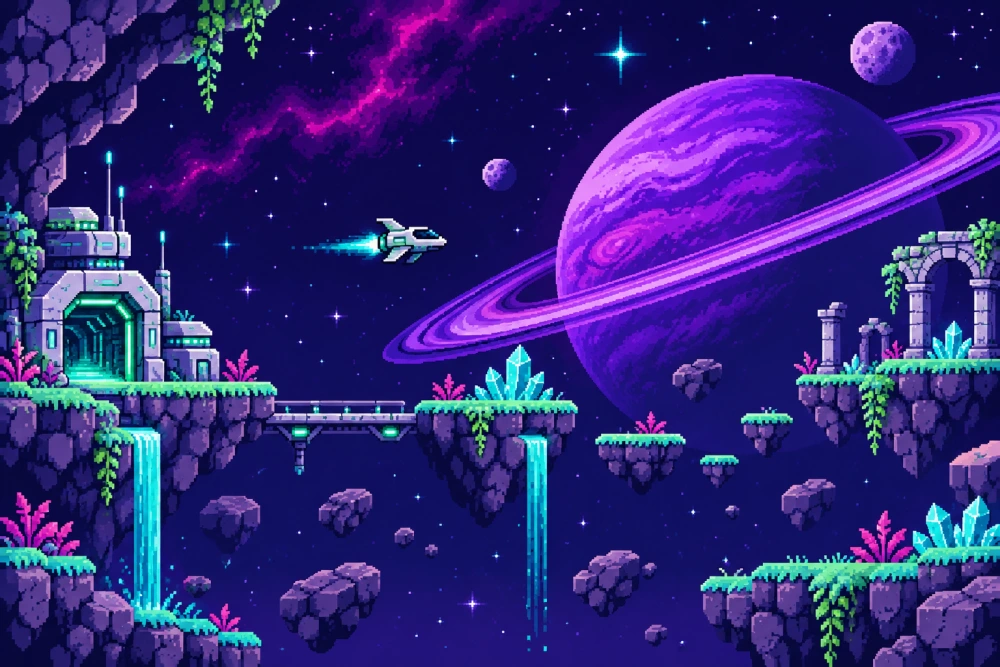
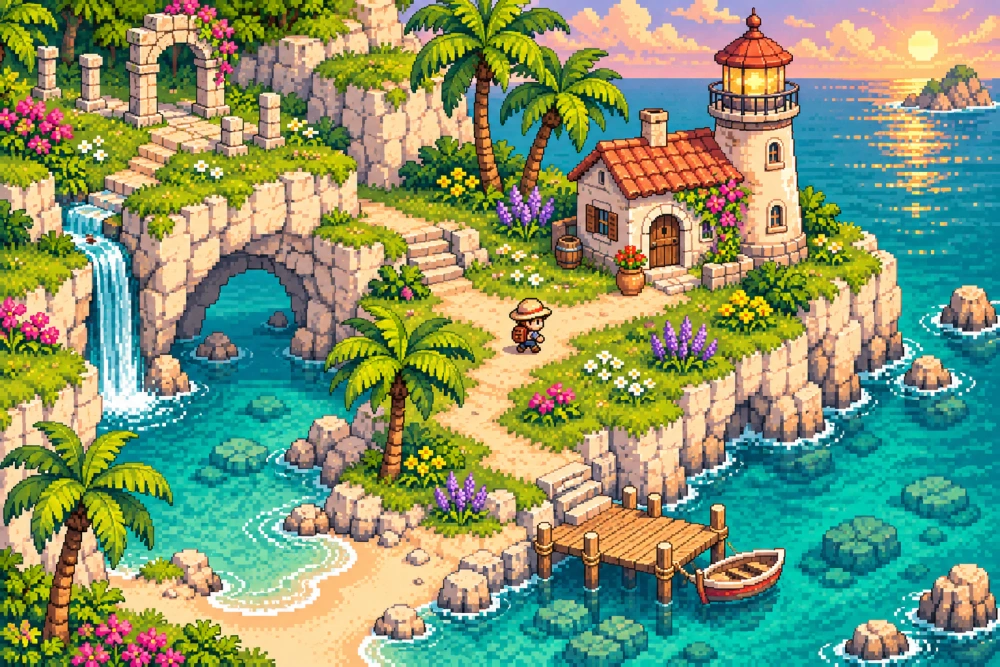
Gameplay concepts · Games not included
A COLLECTION THAT FEELS LIKE YOURS
Keep your games close, your favorites closer, and your next session within reach.
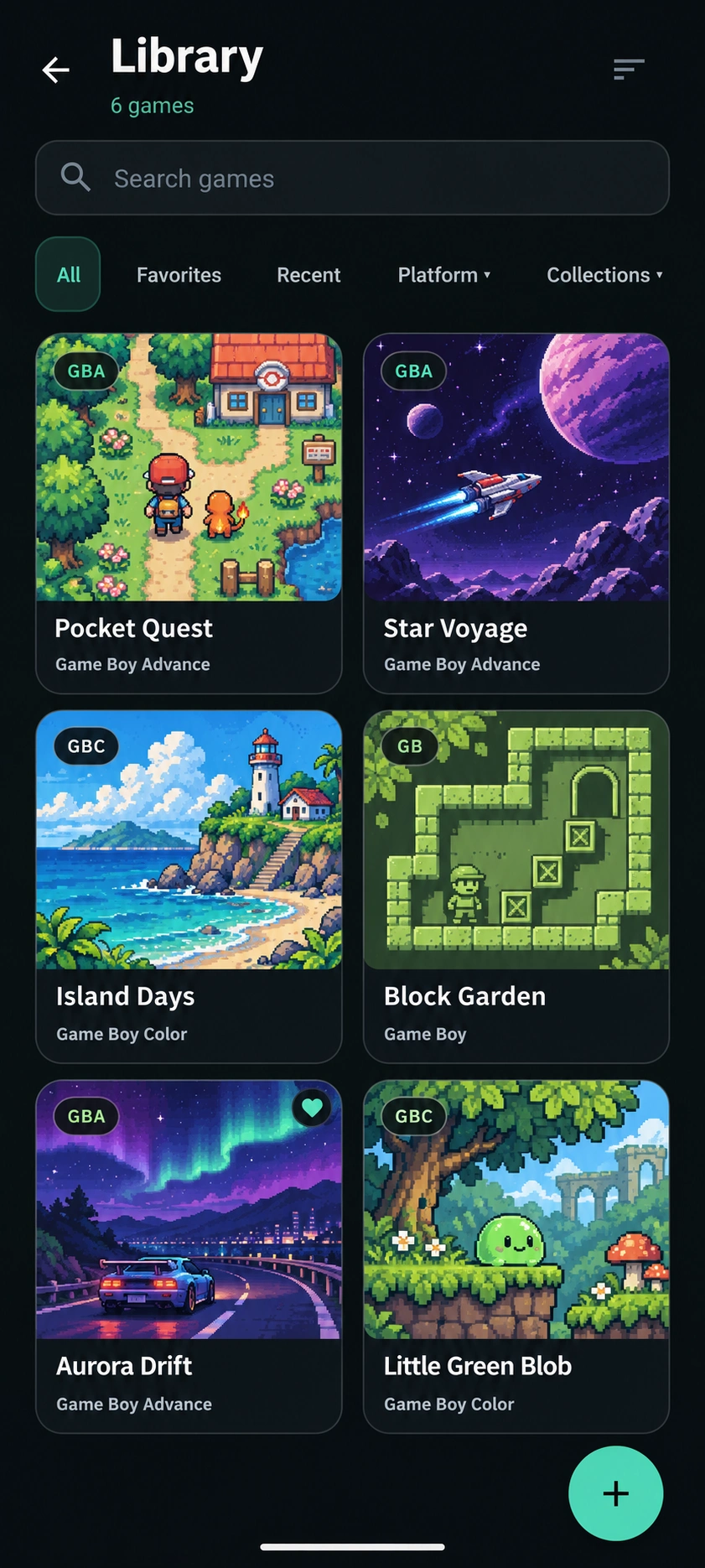
Search, filter by system, sort your library, and keep favorites and recent games easy to reach.
Organize collections, use custom artwork, and see game screenshots where available.
See each game’s recorded play time and last-played information.
Illustrative library concept with sample cover art. Games are not included. Actual layouts and features vary by version.
A GOOD PLACE TO PAUSE
From a quick break to a change of device, give your progress a place to stay.
Save a moment and find it again with screenshot previews and timestamps. Four manual slots are available free; Premium unlocks all eight.
Return to your suspended game without using one of your manual save slots. Manage Quick Resume from the app’s gameplay settings.
Sign in to sync supported saves and save states between devices. Keep compatible game files on each device; ROMs are never uploaded.
SMALL DETAILS. MORE CONTROL.
Useful tools for your next session.
Adjust once, or make every game its own.
Choose 2×, 3×, 4×, or Max speed for the parts you want to move through. Actual speed depends on your game and device.
Hold Rewind to step back through recent gameplay, then release when you’re ready to try again.
Repeat supported action buttons while held. Adjust the Turbo rate to suit the way you play.
Connect a compatible controller, customize its mapping and hotkeys, and choose profiles for individual games.
Choose screen presets, color correction, touch size, opacity, and haptics. Some display options require Premium.
Keep global defaults or give a game its own speed, rewind, display, touch layout, and controller settings.
BRING MORE THAN YOUR SAVES
Create a Retroly backup with game progress, save states, collections, settings, controller profiles, and your custom artwork. Restore it when you need it. ROMs are excluded.
Retroly focuses on Game Boy, Game Boy Color, and Game Boy Advance. Check your platform’s store listing for device compatibility and the features in your installed version.
No. Retroly does not provide games, ROMs, or BIOS files. Import compatible game backups that you are authorized to use. The libraries shown here contain example files.
Sign in to Retroly Cloud in the app to sync supported game saves and save states. Each device needs the same compatible game file. ROMs are not uploaded. An internet connection is required for cloud sync; if save copies conflict, review the options in the app.
Local gameplay uses game files stored on your device. Cloud synchronization, online artwork or metadata lookup, and purchases require a connection.
Premium is an optional one-time in-app purchase. It removes banner, interstitial, and rewarded ads, unlocks all eight visual save slots, and includes Premium display options. Current pricing and purchase terms are shown in your platform’s store. Purchases are restored through the relevant store account.
Game details show recorded play time and when you last played. Retroly does not reconstruct play history from before tracking began. Features and layouts vary by platform and version.
YOUR COLLECTION IS WAITING
Bring your own games. Download Retroly.